
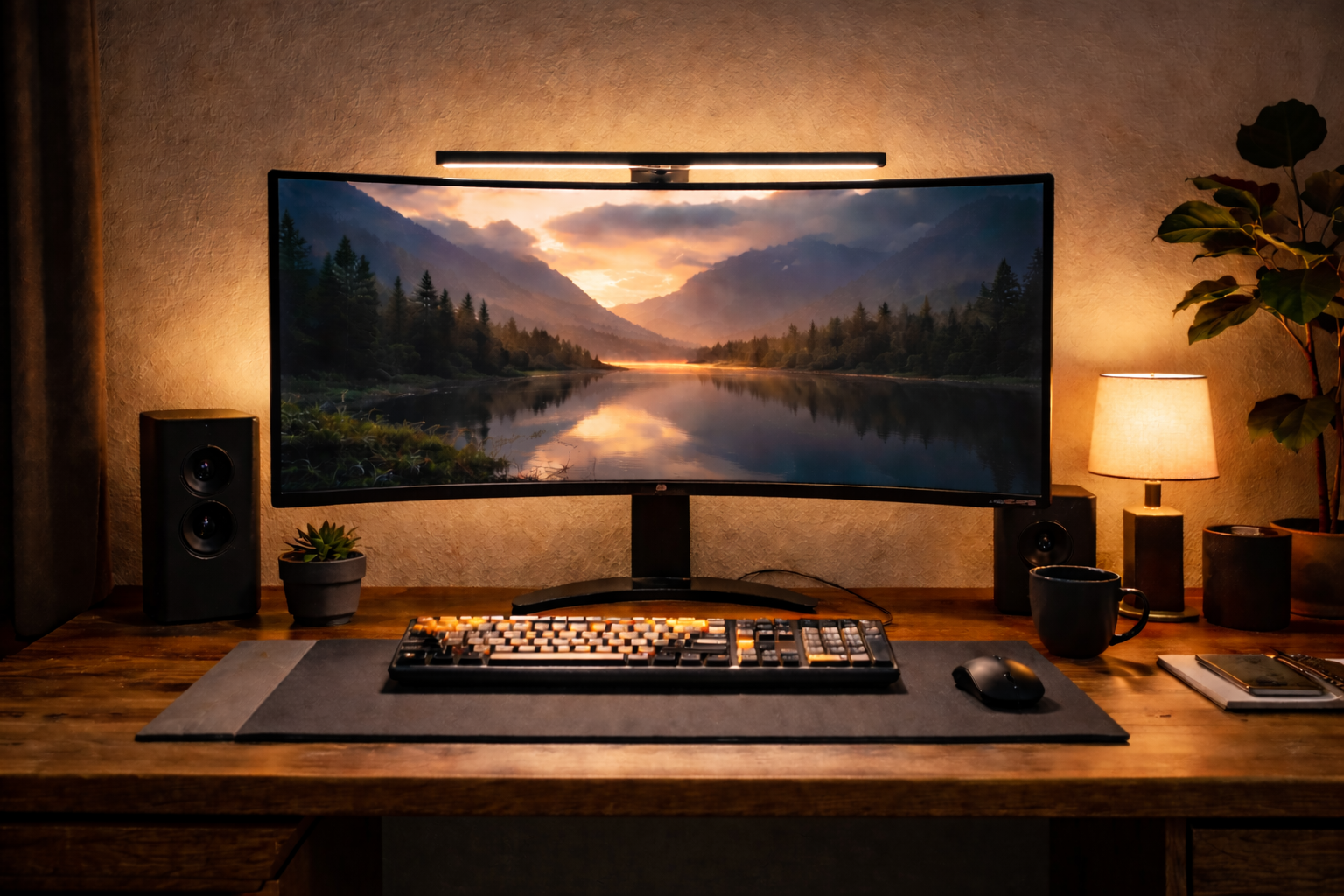
If you are a developer, data engineer, or creative professional, you likely know the feeling: It is 11 PM, the room is dark, and your eyes feel like they are burning.
You don’t need “blue light glasses.” You need better lighting physics.
The contrast between a bright monitor and a pitch-black room causes immediate eye fatigue. A standard desk lamp causes glare on your screen. The solution is a Monitor Light Bar.
These devices sit on top of your screen, casting light down onto your desk (not your eyes) and behind the monitor to balance the contrast. It is the single biggest upgrade you can make for a “Deep Work” environment.
Here are the 3 best monitor light bars for 2026, ranked by budget and aesthetics.
1. The Gold Standard: BenQ ScreenBar Halo
Best For: The “No Compromise” Setup.
If budget is not an issue and you want the absolute best engineering on the market, this is it. BenQ invented this category, and the “Halo” is their masterpiece.
Why it wins:
- The Backlight (Bias Lighting): Most light bars only light up the desk. The Halo has a second light on the back that illuminates the wall behind your monitor. This reduces the contrast ratio between your screen and the dark room, significantly lowering eye strain.
- Wireless Controller: It comes with a heavy, premium wireless dial that sits on your desk. No cables, no reaching up to the monitor to adjust brightness.
- Curved Monitor Compatible: It includes a special adapter that fits securely on curved screens (like the Samsung Odyssey G9).
The Trade-off: It is expensive (~$170). You are paying for the patented optical design and the wireless tech.
2. The Minimalist Choice: Xiaomi Mi Computer Monitor Light Bar
Best For: Design lovers who want the “BenQ look” for less.
Xiaomi is famous for copying premium designs and selling them for half the price. They did exactly that here. This light bar looks 90% identical to the BenQ and includes the one feature that matters most: the wireless controller.
Why it wins:
- The Wireless Puck: Like the BenQ, it comes with a minimal black dial for your desk to control brightness and color temperature (warm vs. cool).
- Matte Black Aesthetics: The build quality is surprisingly heavy and premium. It uses a magnetic mount that snaps satisfyingly into place.
- Price: At around ~$60, it offers the best value-to-performance ratio on the market.
The Trade-off: It does not have a backlight (no bias lighting for the wall). It only lights the desk.
3. The Budget King: Quntis ScreenLinear Pro
Best For: Pure functionality on a budget.
If you don’t care about wireless controllers or premium aluminum finishes and just want to stop your eyes from hurting, the Quntis is the answer. It is the best-selling alternative on Amazon for a reason.
Why it wins:
- The Price: At ~$40, it is a fraction of the cost of the competition.
- The Optics: It uses a similar asymmetrical optical design to BenQ, meaning it successfully blocks glare from hitting your screen.
- Auto-Dimming: It has a built-in sensor that adjusts brightness based on the room’s ambient light (though manual control is usually better).
The Trade-off:
- Wired Controls: The biggest downside is the cable. The controls are touch buttons located on the light bar itself or on the USB cable. This looks messier and requires you to reach up to adjust it.
The Verdict: Which one fits your “Calm Room”?
| If you want… | Buy this… |
| The ultimate eye comfort & clean desk | BenQ ScreenBar Halo |
| Wireless controls & sleek design (Value) | Xiaomi Mi Light Bar |
| Functionality under $50 | Quntis ScreenLinear Pro |
A Note on “Color Temperature”
Whichever light you choose, the secret to a “Calm Room” is the color setting.
- Daytime: Set it to 4000K-5000K (Cool White) to stay alert and focused.
- Night: Set it to 2700K-3000K (Warm Yellow). This mimics a sunset, telling your brain it is time to wind down, even if you are still debugging code